Why we built it
Why the car line.
Most schools run pickup on radios, a clipboard and the phone at the front desk. It works on a dry Tuesday with a full staff.
It falls apart when there’s a sub, or rain, or a note that never left the office. And when a parent asks who took their son home last Monday, nobody can say for sure.
We built Carline so a school can answer that question.
How we work
Rules we keep.
Keep less
Every field in the database has to earn its place. We don’t store your location because there’s nowhere to put it.
No hardware
A printed sign and a browser. Nothing to install, nothing to depreciate, and your data leaves with you.
Say what’s built
This site describes the product as it is today. When something is planned, we say it’s planned.
Where we are
Built, and being built.
Working today
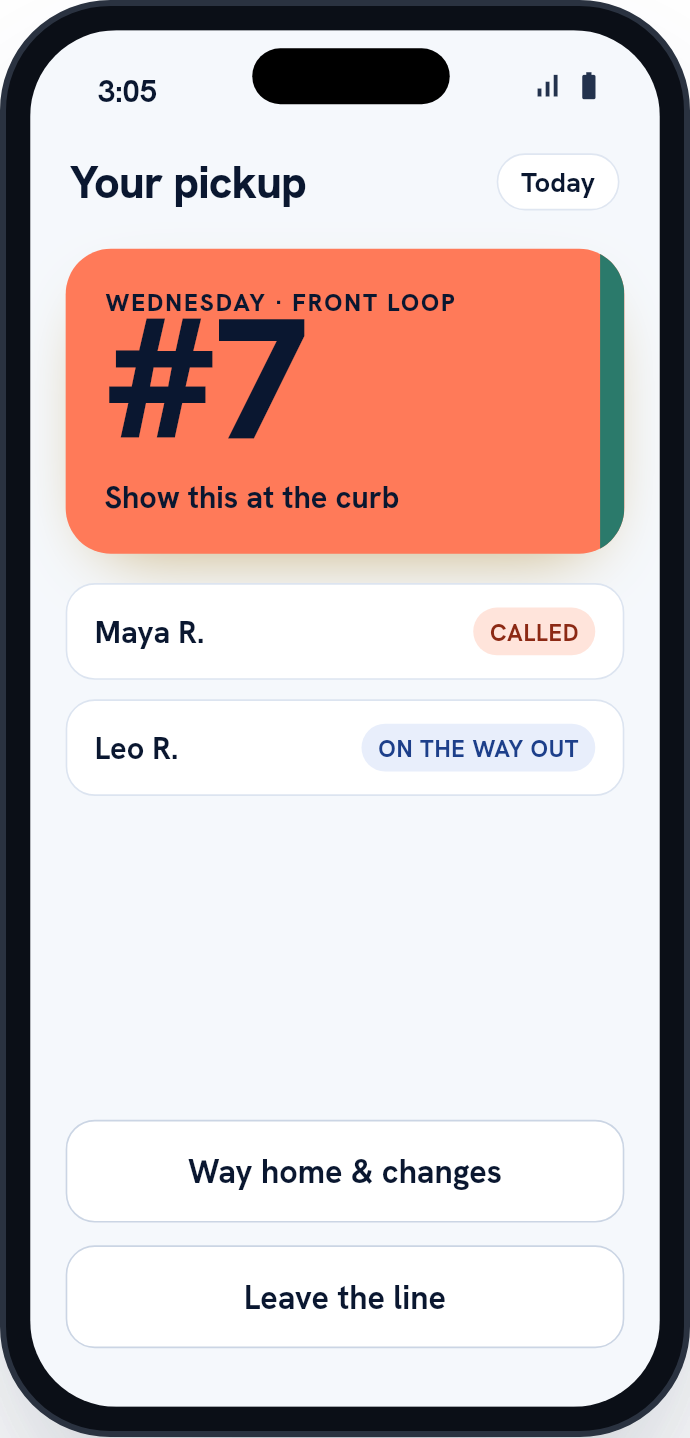
- Parents check in by scanning the sign, typing the code under it, or tapping I’m here where the school allows it
- Staff add a car by hangtag number, or find a family by name (a school setting, on unless switched off)
- The curb tool on a staff member’s phone: scan or type the hangtag, release each child, and undo a mistake within two minutes
- The live dismissal queue, in arrival order
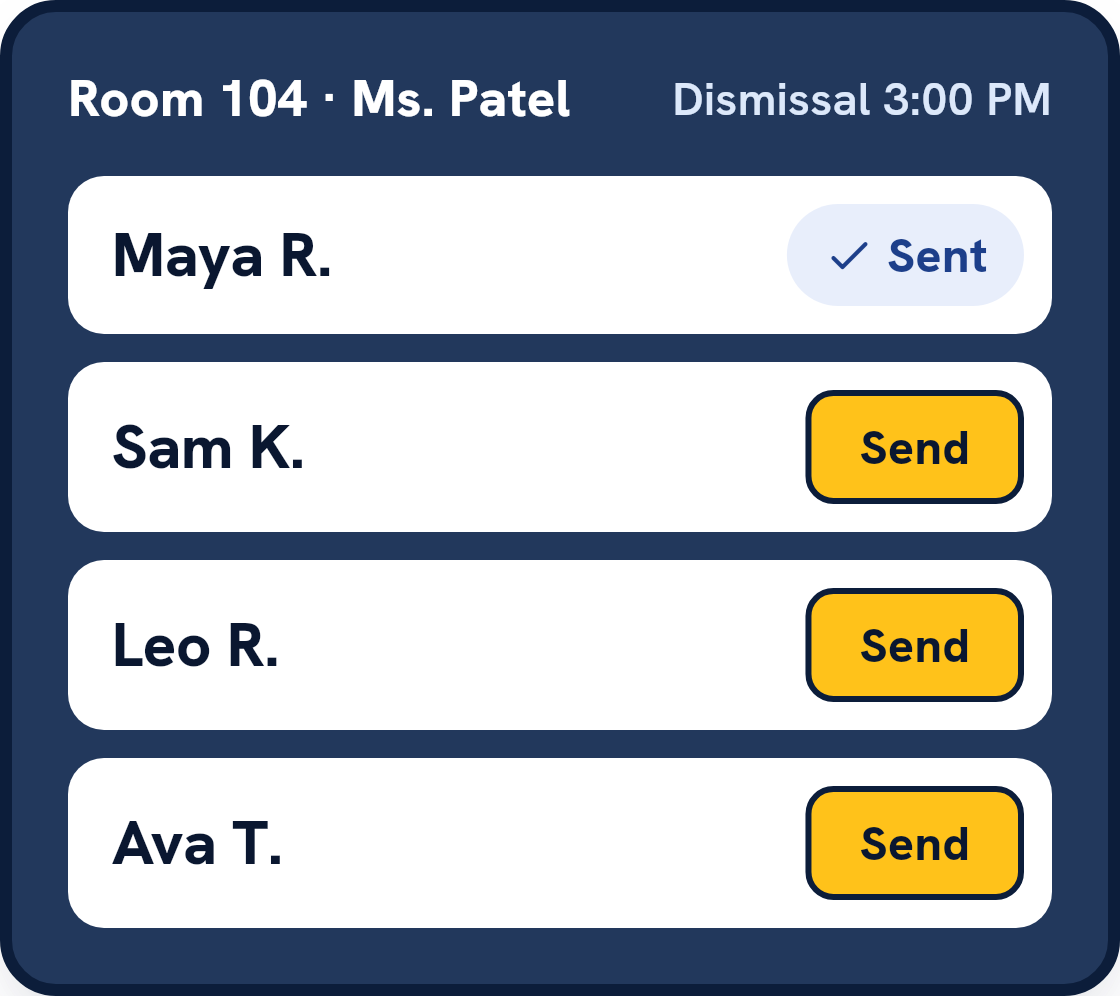
- Classroom boards with a Sent button
- Teachers on their rooms: the classroom board opens on the teacher’s own room, with a note the evening before of tomorrow’s changes
- Pickup lanes, and loading cars in groups (the Big car line add-on)
- Curb displays (the Big car line add-on) and classroom screens that pair without a staff login, and staff call-outs
- Releases tapped while a staff device is offline, sent when it reconnects
- Changes of plan for today up to your cutoff, filed ahead or set to repeat, and late requests the office approves if you allow them, with an ID check for a named adult
- Timed early pickups: a family books the time and a reason, and the child is called to the office ahead of it
- A school calendar of no-school days and early releases, and custody orders that follow a parenting-time schedule
- Grandparents, sitters and carpools a family names, with school approval unless the school turns it off, an ID check at the curb for anyone without a login, and always second to a custody order
- Custody holds at check-in and release
- HOLD ALL
- The office view, early pickup from the office, and a day that closes only when every child has an outcome
- Standing plans, bus calls (the Buses & walkers add-on) and after-care check-out
- After school as an add-on: your own programs, registration and the program desk, with children handed over from class
- Reunification after an evacuation, with drills
- Messages from the school to families, and a shared inbox for parents’ questions
- A family’s pickup history, and checking in from the sign’s web page without the app
- The append-only record, the daily report, and record downloads with an access log
- Roster sync from your student information system: any OneRoster 1.1 or 1.2 source, Clever or ClassLink
- Notices to parents in the app and by email, including when their child is released
- Invitation-only accounts with one-at-a-time permissions, and Google, Microsoft and Apple sign-in
- Substitute accounts whose access ends by itself, and a front-office duty
- Account self-service: your details, a forgotten password, and deleting your own account
- The parent app, the staff screens and this site in English and Spanish
- A school signing itself up for a free trial, started with a card or, for a school that pays by purchase order, by invoice
- A district office page: every school’s setup status, a combined dismissal report with no names, and inviting each school’s admins. Every school sees exactly what the district may do, and the district never runs a pickup line
- Drop-off check-in at the door, and the day’s check-in and check-out record
- Adults a family names, with their own login, signing the children in at drop-off from their app
- A door kiosk: a tablet where a family’s adult checks a child in, or joins the pickup line, by typing the last four digits of their phone number. It never releases a child (an add-on)
- Emergency contacts a family lists in order, which staff can read and print for each room. A contact is someone to call, never someone who picks up
- Live room ratios for centers: staff marked in each room against the children in it, a ratio suggested from the rules of Kentucky, Texas and Florida as we read them for the center to confirm (school-age care in Kentucky only; California and New York are listed but suggest nothing until their tables are checked), and a note to the admins when a room stays over its ratio (an add-on).
- Staff clock-in for centers (part of Ratios & staff time): staff clock in and out from the app or the website, a colleague clocks in a helper without a login, corrections wait for an admin, and the center downloads the hours on site as a CSV, never pay
- Enrollment forms (an add-on for centers): families fill in the form and sign its policies online, the center reviews and accepts, and the child is added; each year the center can ask families to re-enroll, with last time’s answers filled in
Being built next
- The App Store listing (the app is on Google Play now). A sign that opens the app from the phone’s own camera is built, and is being switched on store by store
If a date matters to you, ask. We’ll give you the real one or tell you we don’t have one.
A small team.
We won’t pad this page with a leadership grid. Book a demo and you’ll meet the people who build it.