How it works
A dismissal day with Carline,hour by hour.
What each person does, when, and what’s on their screen. We’ve used a 3:00 bell. Yours is whatever you set.

Timeline
What happens when.
Morning · Office
Print the fallback roster
One page per classroom. You’ll only need it for a long outage: a staff phone or tablet that loses its connection keeps the releases tapped on it and sends them later.
Until 1:00 · Parents and front desk
Changes come in
Parents file today’s changes in the app. After your cutoff the app tells them to call. The front desk types in phone calls and paper notes on the same list, and each classroom board shows its room’s changes for the day.
2:45 · Check-in opens
The line opens
Check-in opens a set number of minutes before the bell. Fifteen is the default. You can change it.
2:50 · The loop
Cars check in
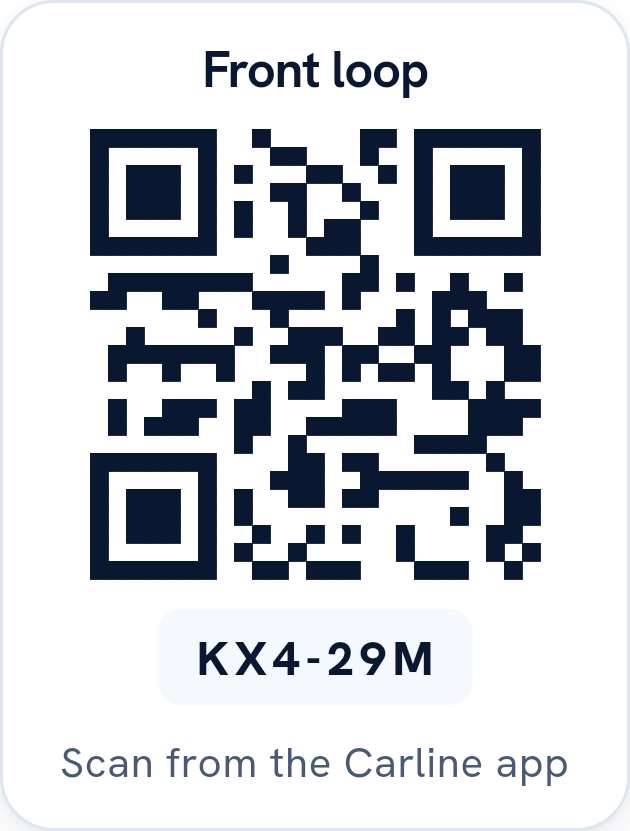
A parent scans the sign on the pole. Their car gets the next number, and every child linked to them is called on their own classroom’s board. Three kids in three grades are one car and one scan.
A family without a phone holds up the hangtag. A staff member types or scans the number on the dashboard, or finds the family by name, at a school that has this turned on (it starts on).
Teachers send kids out
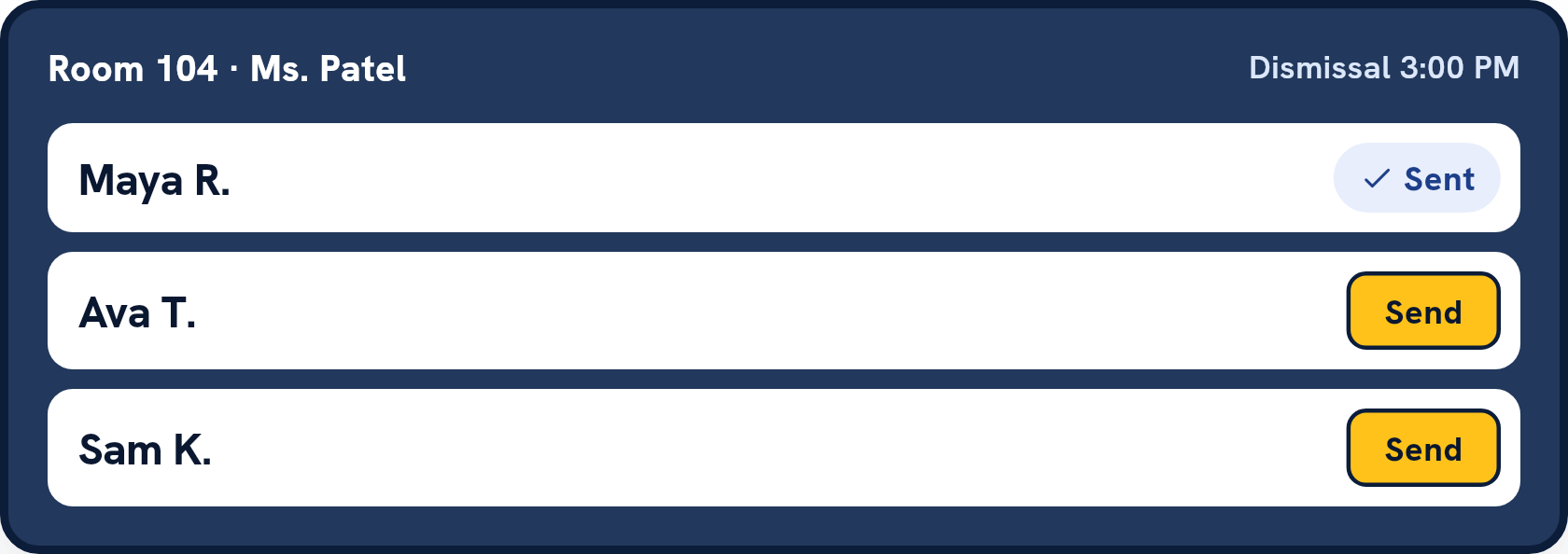
The board says “Maya R.” The teacher taps Sent as she heads out the door. Leave the board open on the classroom screen and a sub only has to watch it and tap.
3:00 onward · The curb
Staff hand kids over
Curb staff see each car’s number with its kids together. Release each child as they get in. If a child can’t come out, pick why: absent, not in class, or not at the curb. The car keeps its place while the office sorts it out.
Any time · Holds
A car comes up Held
If a parent named someone else for today, check that adult’s photo ID against the name and type the last four characters. If it’s a custody hold, an admin, or staff the school gives the front-office duty, decides; only an admin can release to the person an order names. Other staff see that there’s a hold and nothing more.
Any time · HOLD ALL
Stop everything
An admin taps HOLD ALL. Every board turns red and says do not send. Cars keep checking in, in order. A child who is already outside can still be handed over. The admin taps Resume when it’s safe.
3:30 · Office
Close the day
The office view shows who is still here. You end dismissal when every child has an outcome. An admin can close anyway and give a reason, which is saved with the day.
Next morning · Admin
Read the report
Yesterday’s cars, children released, median wait, when the last car left, and any HOLD ALLs.
Roles
Who does what.
Front office
Takes calls and notes, enters changes, watches the office view, prints the fallback roster, closes the day.
Classroom teacher
Keeps the board open and taps Sent. Needs no permission beyond a staff account.
Curb staff
Enter hangtags, release kids, check ID for a named adult.
Admin
Decides custody holds (staff given the front-office duty can clear them too), uses HOLD ALL, reads the report, sets up signs, hangtags and permissions.
At the curb
Questions from the curb
What if a parent scans twice, or both parents scan?
The line doesn’t double up. A child can only be in one car at a time, and a parent’s second scan lands on the car they already have, with the same number.
What if another family scans for a child who’s already been called?
They’re told the child is already checked in for today. We don’t tell them by whom.
The sign got wet, or someone took it.
An admin reprints it from setup with a new code and retires the old one. A parent who scans the old sign is told it’s been replaced.
A parent’s camera won’t read the sign.
There’s a short code printed under the QR code. They can type that instead.
A child isn’t in class when they’re called.
Staff mark why, and the car keeps its place. The reason goes in the record with who entered it.
The internet went down at 3:05.
Keep going. A staff phone or tablet that loses its connection keeps the releases and other taps made on it, with their times, and sends them when it reconnects; anything that changed meanwhile, such as a hold, goes to the office to review. Cars can’t check in until the connection is back, so for a longer outage use the fallback roster you printed this morning, and the office enters those releases from the paper.